
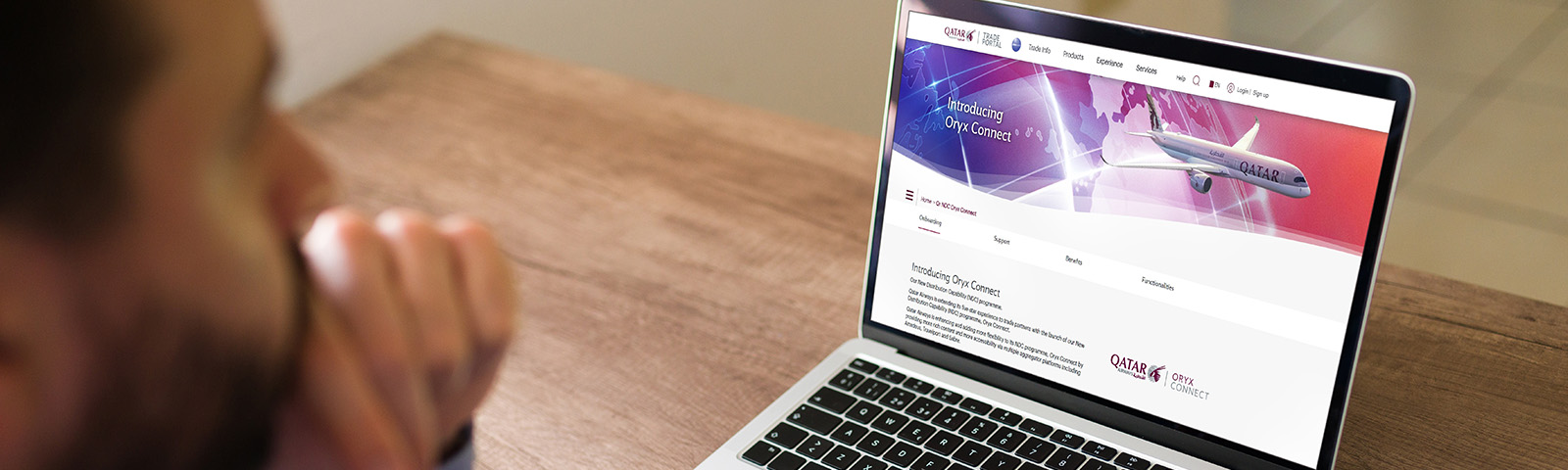
Oryx Portal Capabilities
The following post-booking servicing capabilities will be offered via the new Oryx Portal at launch:
->Retrieve a booking (Order)
->Add bags
->Add seats
->Re-shop flights & deferred payment
->Re-shop flights & instant payment
->Requote a held booking (Order)
->Re-shop prior to ticketing
->Cancel a booking (Order)
->Refund a booking (Order)
->Split a booking (Order)
->Display a list of bookings (Orders)
Q&A applicable to non-BSP customers:
 I have funds remaining and available for use in FLX SPRK. What will happen to the remaining balance?
In order to avoid a mismatch that could arise from transferring funds, we kindly ask you to request for a full refund of the remaining balance and the Qatar Airways Finance will process this based on their SLAs.
As an existing Oryx Portal customer, what are the next steps to continue booking through the new platform?1. Please ensure you are registered on the Qatar Airways Trade Portal as a user. Access to the new platform will be provided via the Qatar Airways Trade Portal.
2. Please ensure you have completed the registration process through the IATA Bilateral Credit Limit which will be mandatory for non-BSP agents to access the Oryx Portal. The approval flow takes a couple of days. Once registered, agents may top-up at any time through bank deposit or QR’s approved form of payments.
What is BCL?Bilateral Credit Limit. It’s a direct deposit solution developed by IATA and part of the IFG (IATA Financial Gateway) solution. This is a wallet created by IATA for agents to perform their daily transactions.
What is BCL used for?It serves as a direct deposit solution to sell air tickets and Ancillaries.
Who can use BCL?IATA agents/Non-IATA agents/TIDS agents, including corporates in both BSP and Non BSP markets.
Note: This is the only solution for agents using the Qatar Airways NDC channel in non-BSP markets.
Is BCL available in all markets?Yes, it is available across all markets. Please refer to point 3.
What happens if I am a new agent?Agents should use the provided
link https://www.qatarairways.com/tradeportal/en/QR-NDC.html to request to trade with Qatar Airways and thereafter use this link https://ifgprd.airretailer.com/auth/login to register their IFG profile and activate their account, if not done with any other airline. Once registered, the agent will receive an activation notification from IATA.
What documents are required to submit a Qatar Airways trade request?Commercial agreement/PSA with Qatar Airways Commercial registration certificate, and TIDs/IATA registration Certificate.
What documents are required to activate BCL wallet?No documents are required. An agent can use any form of payment that Qatar Airways has made available in the market to perform the top-up.
How do I register BCL wallet?Once an IFG account has been created, the agent will request BCL wallet and the airline will approve the request, allowing the agent to top up and start trading.
Who approves BCL wallet and top-up requests?Qatar Airways Finance Team will approve all the requests.
How soon will BCL be activated?Wallet is normally activated instantly but may take some time, depending on Qatar Airways Finance and their SLAs.
How can funds be added to BCL wallet?The wallet can be topped up either through a bank deposit or any other form of payment approved by Qatar Airways.
Where can I find QR bank details to make a deposit?Bank details will be provided in the BCL portal for all agents.
Which currency should be used to top up the wallet?Agents should use the same currency as the one used for fares filing to open the wallet. For example, if fares are filed in USD, then the currency in the wallet should also be in USD.
Where can I find more details of BCL?You can find more details here: https://www.qatarairways.com/tradeportal/en/ndc-oryx-connect.html
How will this new form of payment reflect on the order (PNR)?a. FP EXT – IFG -BCL