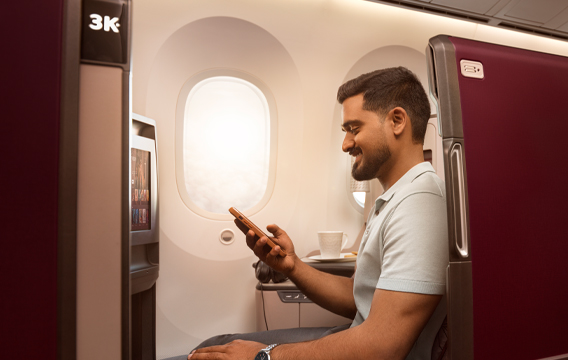




Download the Qatar Airways mobile app to your smart phone for greater convenience with each journey. The new Qatar Airways mobile app is available for your Android, iPhone and Blackberry and can also be accessed on any internet enabled mobile phone or tablet by typing qatarairways.com into your browser.
Mobile service benefits:
Important information

Receive instant updates on your Qatar Airways scheduled flights via email, SMS or Twitter with Qatar Airways flight status update service.
Step 1: Click on the flight status tab
Step 2: Select search by flight route e.g. from: DOHA to: NEW YORK, or by flight number e.g. QR150, click on check status.
Step 3: Click on subscribe to notification – select Departure or Arrival Notification Messages or both to receive alert notifications. Select your preferred notification channel e.g. email, SMS or Twitter. Select your notification language from the drop down menu.
Once subscribed, notifications will be sent for the following statuses:
*Airport authorities in the following cities have enabled customers to use mobile boarding passes.
| Mobile boarding pass enabled airports | |
| Africa | Cape Town, Johannesburg, Kilimanjaro |
| Europe | Ankara, Athens, Baku, Barcelona, Belgrade, Berlin, Brussels, Bucharest, Budapest, Copenhagen, Frankfurt, Istanbul, London, Madrid, Manchester, Milan, Moscow, Munich, Nice, Oslo, Paris, Rome, Stockholm, Tbilisi, Venice, Vienna, Warsaw, Zagreb, Zurich |
| Far East & Australia | Hong Kong, Kuala Lumpur, Melbourne, Osaka, Phnom Penh, Tokyo |
| GCC | Abu Dhabi, Bahrain, Dammam, Doha, Dubai, Madinah |
| Indian Subcontinent | Colombo |
Use your phone, just like you would on the ground. You can use your mobile phone in-flight to send text and multimedia messages.
*Available on select aircraft.