Loading...
MDD VerticaFare Tracking ID Dynamic Fare Tracking ID Histogram Fare Tracking ID Fares Strip Fare Tracking ID Boxever Tracking ID Boxever ML Tracking ID Homepage Fares Tracking ID Boxever Offers Tracking ID Header Checkin ID Manage Booking Checkin ID BPG Desktop ID BPG Mobile ID Complement Journey Link IID Search Results - Manage Booking IID New Destinationprice Discover cta IID Content Strip Manual Fares IID Content Strip Dynamic Fares IID
ALL60431240 ALL54330180 ALL62332760 ALL59705690 ALL21786150 (DefaultValue) ALL11101210 ALL75955700 (DefaultValue) ALL65919200 (DefaultValue) ALL50312570 (DefaultValue) ALL54261150 (Default Value) ALL29548590 (Default Value) ALL40778730 ALL96603970

You can get a refund for the unused value of your ticket if you have a confirmed booking with a travel date between 28 February and 15 June 2026.

Choose to have it credited to the original payment method or as a voucher. Refunds credited to the original payment method and can take up to 28 working days to be processed.

In most cases, refund status can be tracked using the 'Track a refund' option at the top of this page for refund requests that have been submitted online. 

If you purchased your ticket through a travel agent or a third-party website, please reach out to them directly to process your refund.

Other important information

If your booking is cancelled and you've purchased add-ons, these will be refunded separately following the refund of your booking.

If you’d still like to travel, you can opt to change your travel dates up to 31 October 2026 on flights operated by Qatar Airways, subject to availability and fare seasonality.

How to request a refund

Before requesting a refund, make sure you have your booking reference and last name. Refunds can be requested online for eligible bookings made directly with Qatar Airways.

offer highlights icon
Enter your booking reference and last name using the tool at the top of this page, then select “Retrieve booking.”
offer highlights icon
Select “Request a refund” to choose the passenger(s) and see your digital refund options.
offer highlights icon
Select “Confirm refund” to submit your request, which is then logged in the system - you're all set!

More about refunds

Voucher refunds

Stay updated

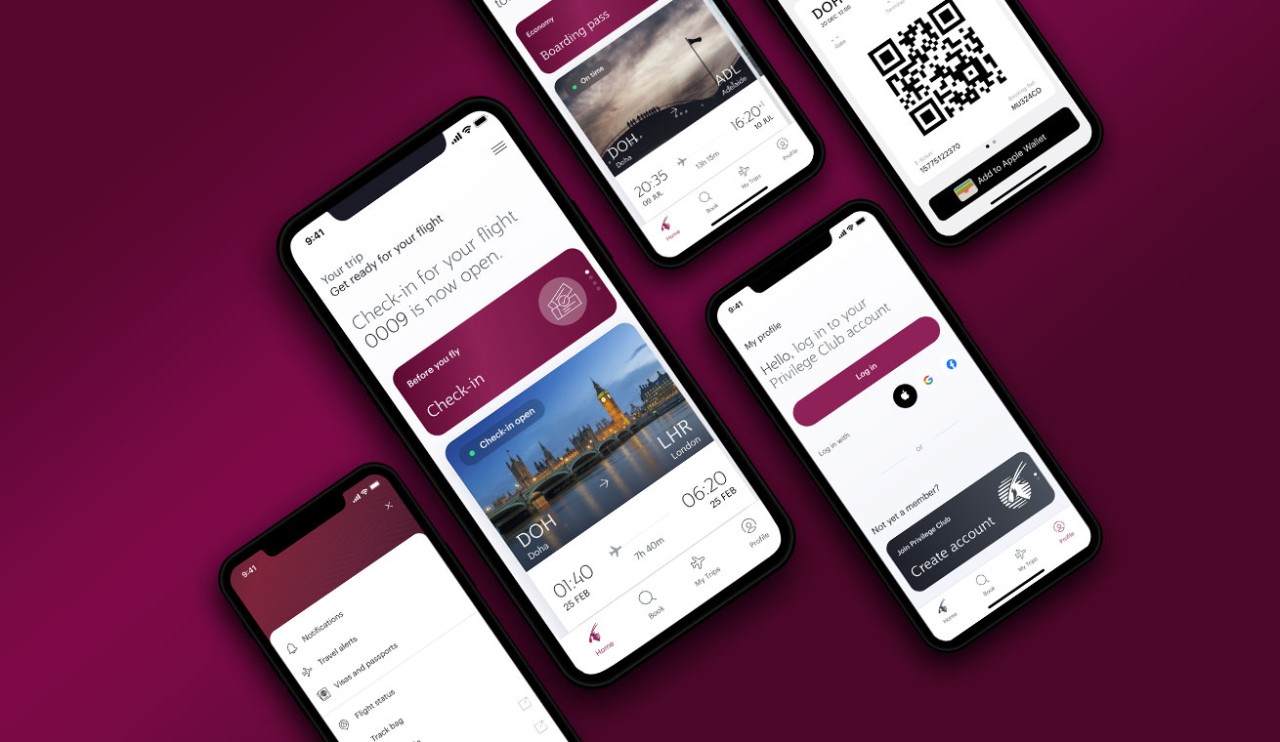
Get real time notifications about your trip on our app and explore more options below.

Get the latest information

Get the latest information

Check flight update

Check flight update

Reach out to us

Reach out to us

Stay updated

Get real time notifications about your trip on our app and explore more options below.

Get the latest information

Get the latest information

Check flight update

Check flight update

Reach out to us

Reach out to us

Stay updated

Get real time notifications about your trip on our app and explore more options below.

Get the latest information

Get the latest information

Check flight update

Check flight update

Reach out to us

Reach out to us

Stay updated

Get real time notifications about your trip on our app and explore more options below.

Get the latest information

Get the latest information

Check flight update

Check flight update

Reach out to us

Reach out to us

Your journey is coming up soon

Let’s make sure you have everything you need for a smooth and enjoyable journey.

Receive helpful updates

Receive helpful updates

We’re here to help

We’re here to help

Need to make changes?

Need to make changes?

All about your baggage

All about your baggage

Elevate your travel experience with a range of add-ons

Carry more on your trip

Carry more on your trip

Fast-track your journey

Fast-track your journey

Enjoy more comfort on board

Enjoy more comfort on board